
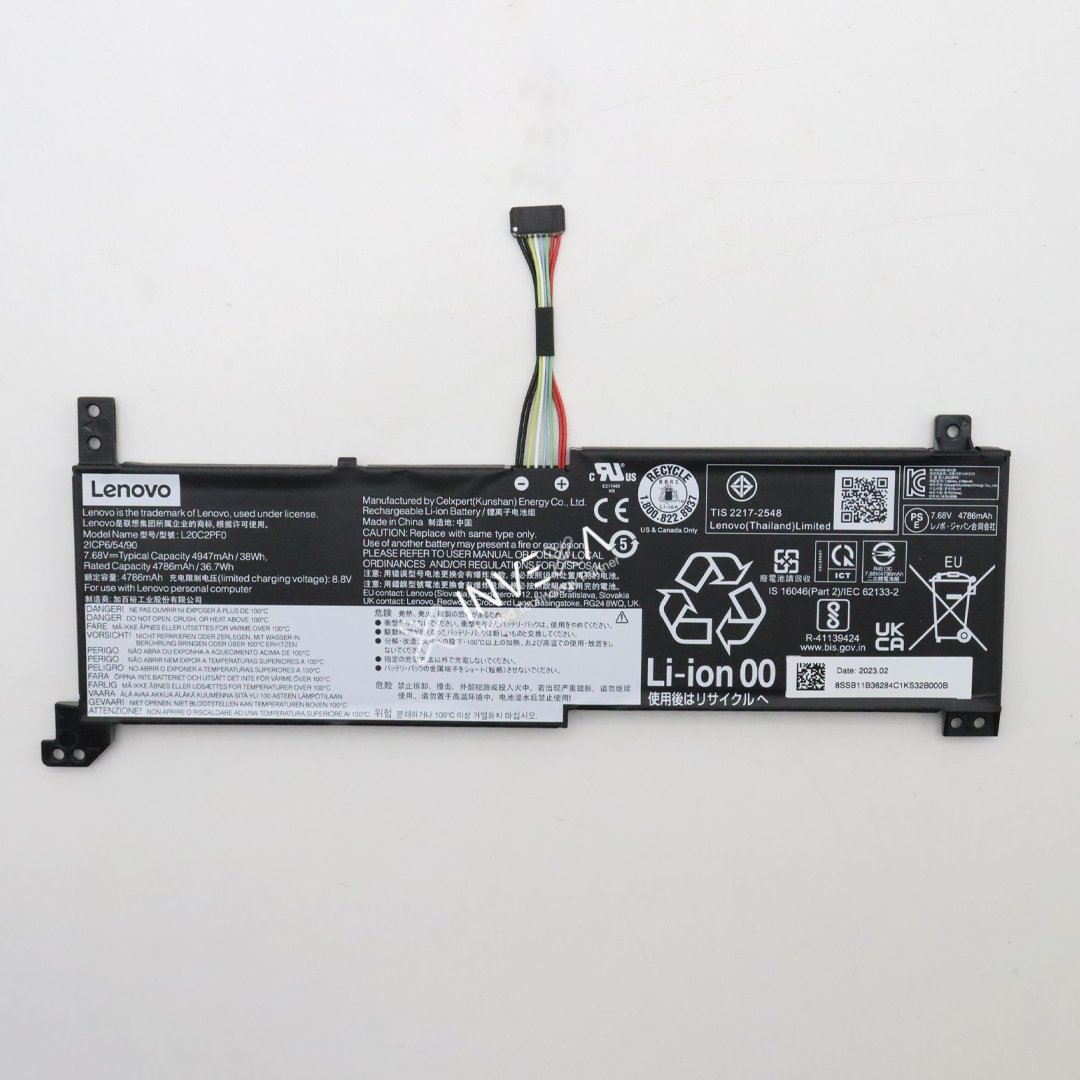
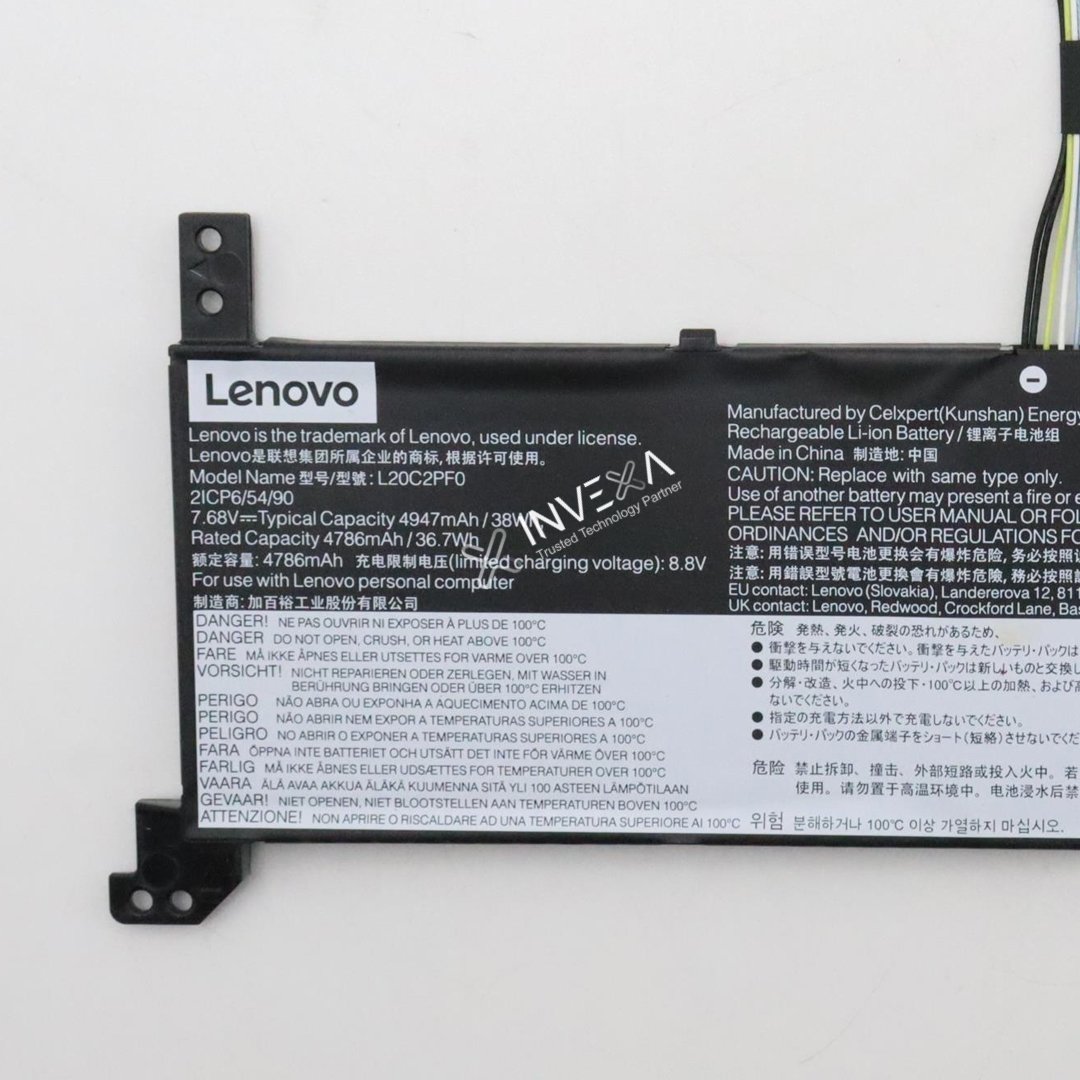
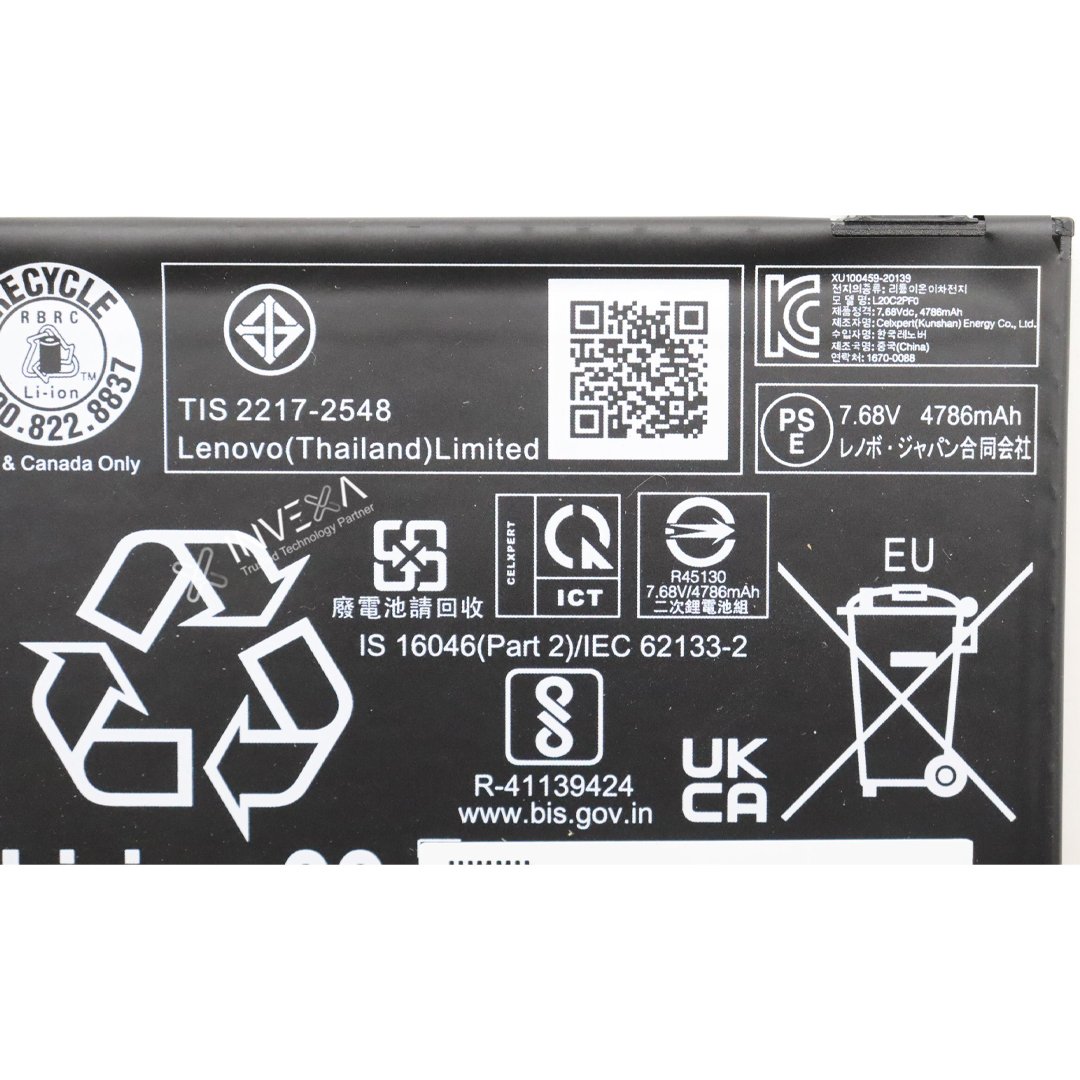
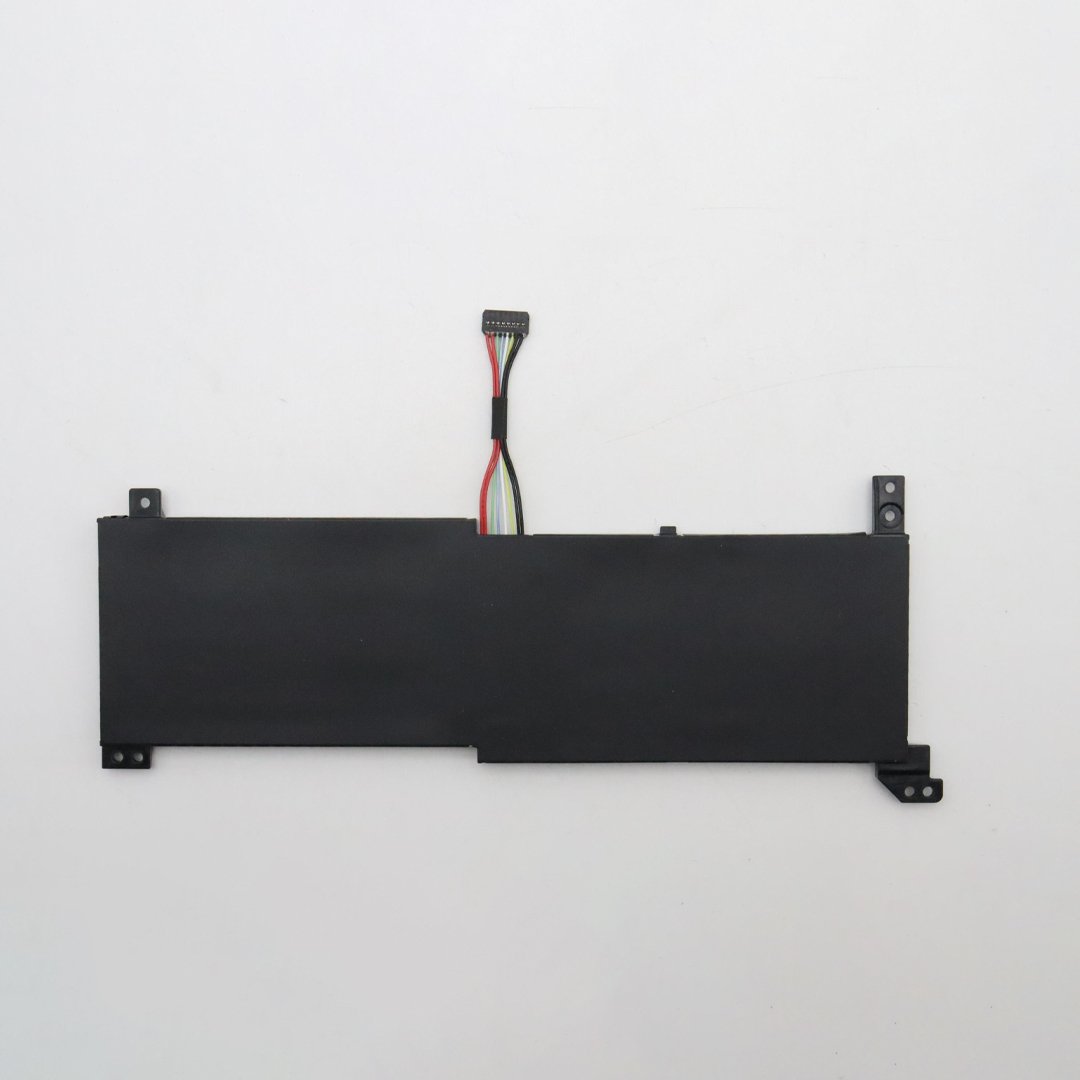
L20C2PF0 38Wh 7.68V Laptop Battery for Lenovo IdeaPad 3-15ITL6 / V14 G2 ITL / V15 G2 ITL / V17 G2 ITL 2 – L20C2PF0 L20M2PF0 L20B2PF0 L20L2PF0
Original price was: ₹5,999.00.₹1,950.00Current price is: ₹1,950.00.
-
Battery Model: L20C2PF0
-
Compatible Models: L20M2PF0, L20B2PF0, L20L2PF0, L20D2PF0, SB11B36284 (cross‑reference)
-
Voltage: 7.68V
-
Capacity: 38Wh (approx. 4947mAh)
-
Battery Type: Li‑ion / Li‑polymer, 2‑cell
-
Color: Black
-
Condition: New replacement (OEM‑spec / compatible)
Description
-
Model: L20C2PF0 (compatible with L20M2PF0, L20B2PF0, L20L2PF0, SB11B36284)
-
Voltage: 7.68V | Capacity: 38Wh / ~4947mAh | Type: Li‑ion / Li‑polymer, 2‑cell
-
Fits many Lenovo IdeaPad 3 and Lenovo V14 / V15 / V17 Gen 2 laptops (14″/15″/17″)
-
100% new replacement battery, tested for safety and performance
-
Restores runtime for laptops with swollen, weak, or dead original batteries
Full Product Description
Replace your worn‑out Lenovo laptop battery with this L20C2PF0 38Wh pack, designed for IdeaPad 3 and V‑Series Gen 2 notebooks.
The L20C2PF0 is a common internal battery used across multiple Lenovo families. It delivers reliable power for everyday tasks like browsing, office work, and video streaming, and is a direct replacement for several equivalent Lenovo part numbers.
If your laptop now lasts only an hour or two, shuts down unexpectedly, or the original battery is swollen or damaged, this replacement will restore normal run time and system stability.
Key Specifications
-
Battery Model: L20C2PF0
-
Compatible Models: L20M2PF0, L20B2PF0, L20L2PF0, L20D2PF0, SB11B36284 (cross‑reference)
-
Voltage: 7.68V
-
Capacity: 38Wh (approx. 4947mAh)
-
Battery Type: Li‑ion / Li‑polymer, 2‑cell
-
Color: Black
-
Condition: New replacement (OEM‑spec / compatible)
Compatible Laptop Series
This battery is designed for multiple Lenovo 14″/15″/17″ models, including but not limited to:
IdeaPad 3 (Gen 6 / 14–15″)
-
IdeaPad 3‑14ITL6
-
IdeaPad 3‑14ALC6 / 14ABA7
-
IdeaPad 3‑15ALC6
-
IdeaPad 3‑15ITL6
-
IdeaPad 3‑17ITL6 / 3‑17IRU7 (where original battery matches L20C2PF0 family)
Lenovo V Series (Gen 2)
-
V14 G2‑ITL (Type 82KA, 82NM)
-
V14 G2‑ALC, V14 G2‑IJL
-
V15 G2‑ITL (Type 82KB, 82ME)
-
V15 G2‑ALC, V15 G2‑IJL, V15 G3‑ABA (where original battery matches)
-
V17 G2‑ITL (Type 82NX, 82GX)
Package Contents
-
1 × L20C2PF0 laptop battery (38Wh, 7.68V)
-
(No screws or tools included unless specified; use your original screws and connectors)
Safety & Installation Notes
-
Power off the laptop, unplug the charger, and remove the back cover before replacing the battery.
-
Disconnect the old battery connector carefully, then connect the new one and secure the battery.
-
After installation, charge the battery fully before first heavy use.
-
If you are not comfortable opening your laptop, have a qualified technician perform the replacement.
Warranty / Support (customize as needed)
-
Warranty: [e.g., 6 months / 12 months replacement warranty]
-
Support: Contact us with your laptop model and a photo of your old battery label if you need compatibility help.
Related products
-
Sale!
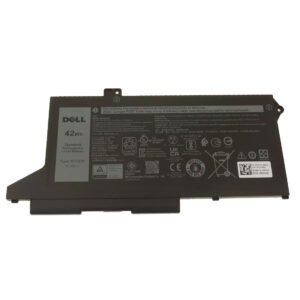
Dell Latitude 5420 / 5520 3-Cell OEM Battery Replacement – WY9DX / 005R42 / 0M3KCN – 11.4V 42Wh – Genuine Grade Li-ion for Latitude 5420, 5520, Precision 3570, 3571 Series
Original price was: ₹5,999.00.₹2,449.00Current price is: ₹2,449.00. Add to cart -
Sale!
Lenovo L17L3P53 Laptop Battery Replacement – 11.1V 45Wh 3-Cell Li-Polymer – Compatible with ThinkPad L380, L390, L380 Yoga, L390 Yoga, S2 Yoga 2018 & Yoga 11e 5th Gen – 01AV481, 01AV482, 01AV483, SB10K97625, SB10K97626, SB10K97627
Original price was: ₹7,401.00.₹3,050.00Current price is: ₹3,050.00. Add to cart -
Sale!
SK hynix 8GB DDR4 2666MHz Desktop RAM | PC4-21300 | 288-Pin UDIMM | 1.2V Non-ECC Memory
Original price was: ₹6,999.00.₹3,850.00Current price is: ₹3,850.00. Add to cart -
Sale!
INVEXA : Webcam Camera Module for Lenovo IdeaPad 3‑15ITL6 (82H8) – 5C20X02432 / 5C20X02431 / 5C20Z72187
Original price was: ₹1,599.00.₹750.00Current price is: ₹750.00. Add to cart
Reviews
There are no reviews yet.